Premium Recording and Broadcasting System Solution
I. Industry Background
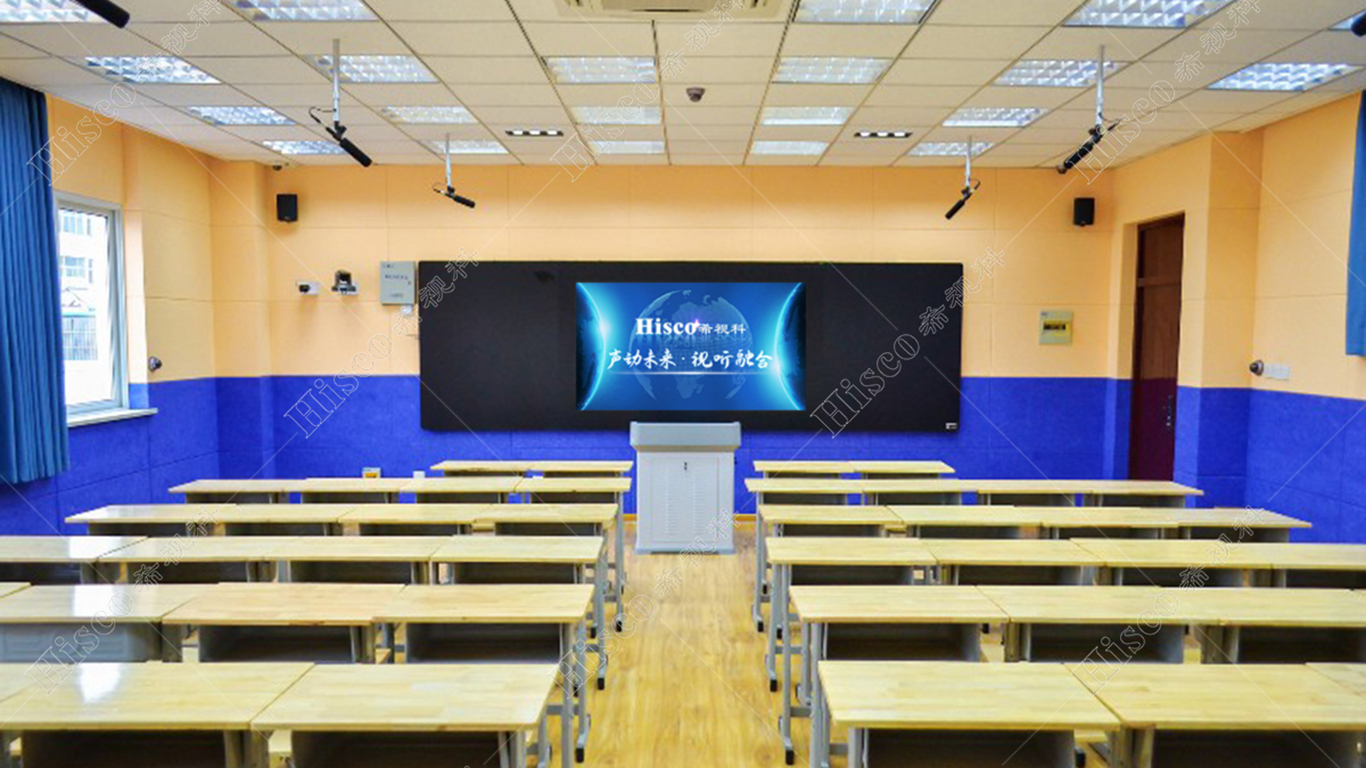
● As a core pillar of the national economy, education underpins China’s social development and long-term future growth. Driven by the rapid development of information technology, the high-quality recording classroom sector has benefited from strong policy support, technological advancement, and growing market demand amid China’s broader education informatization upgrade.
● China’s central authorities have introduced a series of supportive policies to promote digital education. The National Medium- and Long-Term Plan for Education Reform and Development (2010-2020) explicitly identifies education informatization, as well as the development and sharing of high-quality teaching resources, as strategic priorities. Meanwhile, the Ministry of Education has issued guidelines for modern distance education, accelerating the infrastructure construction and popularization of intelligent recording classrooms and laying a solid policy foundation for the industry’s development.
● Breakthroughs in internet transmission, audio and video coding, and cloud computing have driven the technological upgrading of recording classrooms. High-definition cameras, intelligent voice recognition, and virtualization technologies are now widely deployed to produce clear, stable, and high-fidelity recorded lessons; cloud storage, in turn, simplifies resource archiving, centralized management, and cross-campus sharing of teaching content.
● Rising public living standards have spurred diversified, personalized learning demands. Recorded courses allow students to review learning content flexibly anytime and anywhere, and also facilitate the circulation of high-quality teacher resources to help narrow the gap caused by uneven educational distribution across regions.
II. Requirement Analysis
1. Multi-channel signal collection: A multi-channel AV and VGA capture system captures diverse classroom scenarios, including teacher lectures, blackboard writing, student Q&A, in-class interaction, as well as courseware and computer screen content.
2. Automatic recording: It synchronously compiles captured audio, video, and screen signals into standard streaming files, enabling live streaming, local storage, post-editing, and on-demand playback.
3. Efficient monitoring and control: It supports on-site director control and remote management for the entire recording workflow.
4. Curriculum resource management: It automatically generates standard course packages after recording, and automatically uploads them to the resource platform for cataloging, statistical analysis, online preview, and file download.
III. Solution Design
1. Video Processing
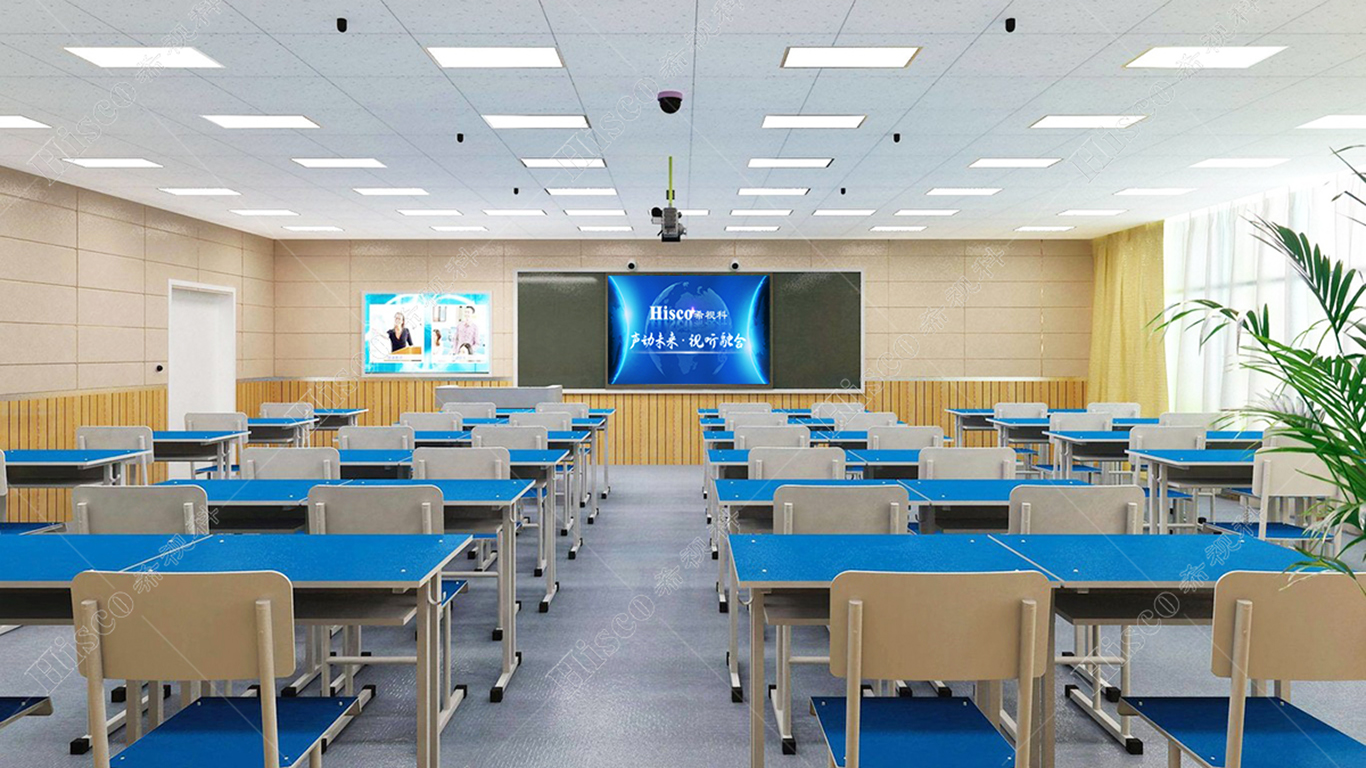
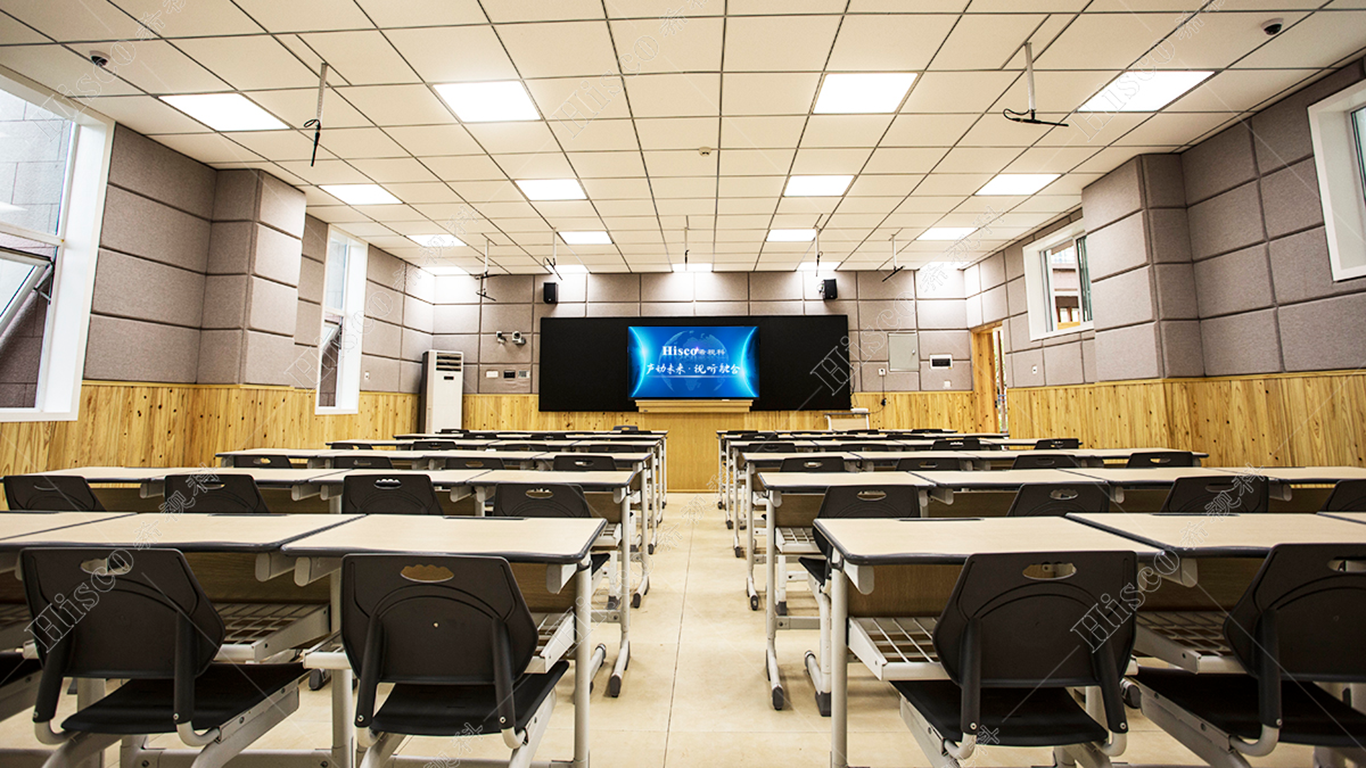
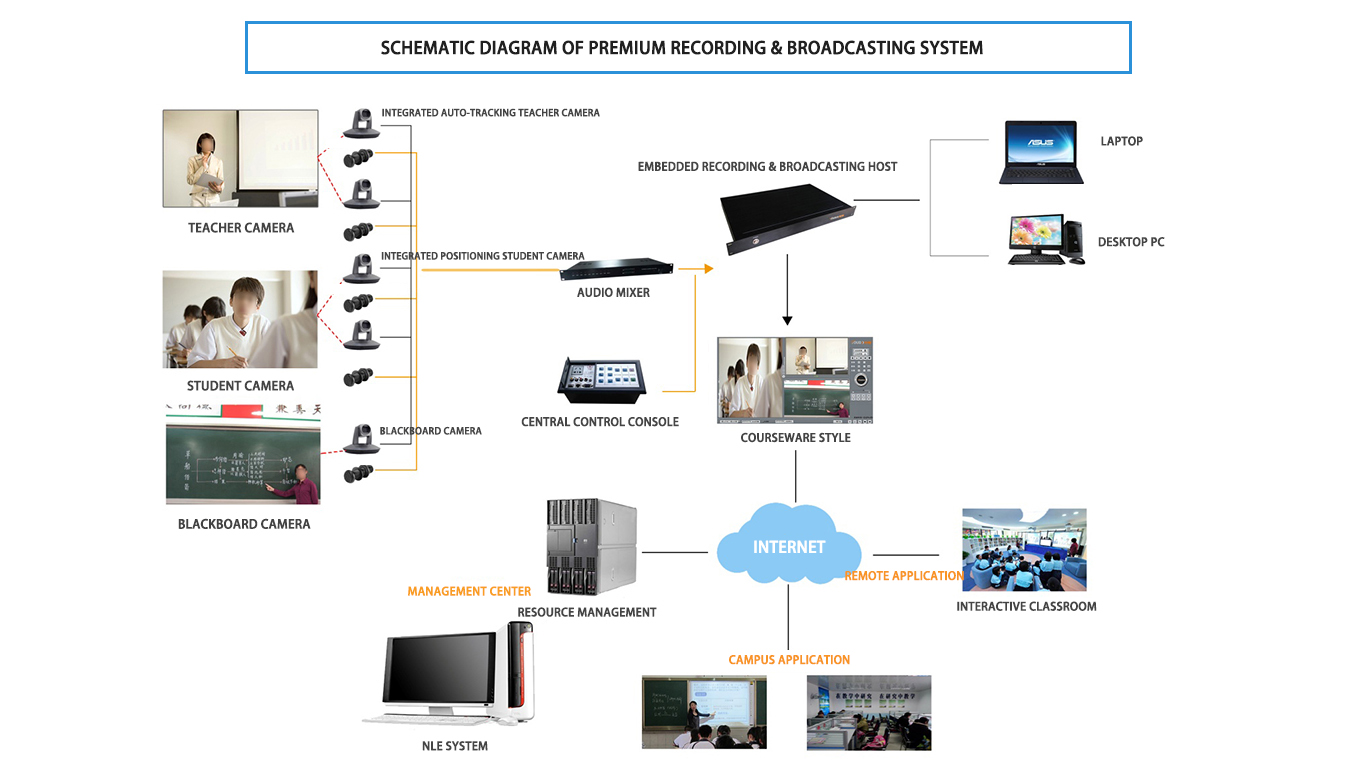
A seven-camera layout is configured according to classroom dimensions: six lenses cover the teacher close-up, student close-up, full classroom view, and blackboard view, plus one HDMI channel for courseware. Smart human body analysis via panoramic cameras triggers automatic camera tracking and scene switching. All cameras connect to the HD recording host, supporting independent 1080P@60fps file storage for each video channel.
2. Audio Processing
• Ceiling-mounted omnidirectional microphones with digital noise suppressors feed audio into the recording host; a wireless handheld microphone is equipped for teacher voice pickup and on-site public address.
• Professional speakers, power amplifiers, and audio processors are deployed for classroom sound reinforcement; active monitors are installed in the observation room for supervisors to clearly listen to live teaching.
3. Director Control System
• An embedded director management platform inside the recording host supports two operation modes: control via the local physical panel on the podium and control via the remote web-based PC director.
• Integrated functions include scene switching between teacher, student, and courseware feeds, logo and subtitle overlay, transition effects, volume adjustment, PTZ camera control, and multi-screen layout configuration; remote subtitle editing is available via the PC terminal.
• A dedicated control tablet is placed in the observation room for one-click recording start/stop, quick scene switching, recording mode selection, and preset position recall, to eliminate invalid redundant footage.
IV. Application Benefits
1. Improve learning efficiency: Students can review course content at their own pace, free from constraints of time and location, and consolidate knowledge repeatedly.
2. Enrich teaching resources: Curate high-quality courses, experimental demonstrations and case studies to meet personalized, multi-level learning needs.
3. Enhance teaching quality: Standardized high-quality course recordings allow teachers to conduct self-evaluation; learning data analytics help teachers optimize teaching plans and improve in-class teaching performance.