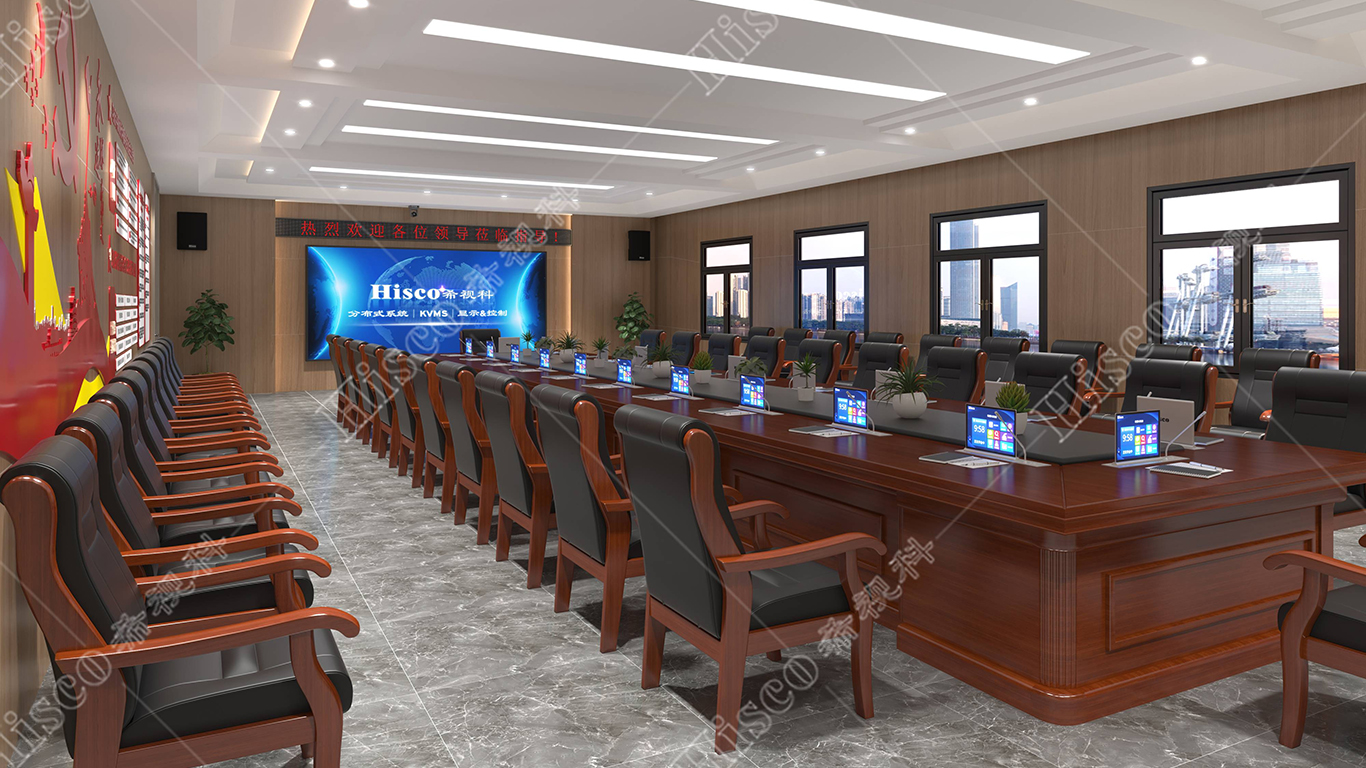
Paperless Meeting Integrated Solution
I. Industry Background
• The paperless conference model emerged around 2010 as a practical solution to advocate environmental protection and eliminate excessive paper waste. Conventional paper-reliant conference modes have been progressively upgraded into intelligent interactive conference systems based on tablet terminals, drastically reducing paper consumption. This innovative approach effectively conserves resources, strengthens document and information confidentiality, and substantially improves overall conference efficiency and management quality.
• As an innovative and upgraded conference solution, the paperless conference system realizes virtualization and intelligent transformation of all conventional meeting procedures.It integrates multimedia resources and multi-terminal interactive carriers into whole-process conference scenarios, significantly optimizing on-site participation efficiency and interactive experience. Driven by continuous technological innovation and increasing government investment in informatization construction, this eco-friendly,energy-efficient and highly secure conference mode has achieved rapid and standardized industrial promotion.
II. Demand Analysis
• In daily government administrative work, convening meetings is a vital component for government agencies at all levels across China, particularly in the work of the "four leading bodies" (the Party committee, the People's Congress, the government, and the CPPCC). Meetings come in many forms—representative sessions, leadership transition meetings, standing committee meetings, training sessions, summary meetings, and so on—amounting to what could be described as a mountain of meetings and a sea of documents. At present, in the numerous meetings held by organizations at all levels, meeting materials and documents are typically distributed to each attendee, with every participant receiving a personal copy. This necessitates the copying of a large volume of meeting materials, consuming vast amounts of paper. At the same time, in order to convey the spirit of the meeting, attendees often copy and distribute the higher-level meeting materials and documents down to subordinate units at the grassroots level. This process repeats itself; as a result, even a single meeting often requires the production of large quantities of meeting materials and documents to communicate the meeting content and spirit to lower-level departments, entailing significant material and human resources. In summary, the current paper usage for meeting documents exhibits the following characteristics:
1. High paper consumption.
2. Wasteful paper use.
3. Issues with document recovery/recycling.
4. Risks of security breaches.
• These are issues that arise during the process of progress and development, and we must treat them with great seriousness, adopting effective measures to practically address them. The emergence of the Wangdong (or "iActive") paperless meeting system has effectively resolved the problems encountered in traditional paper-based meetings.
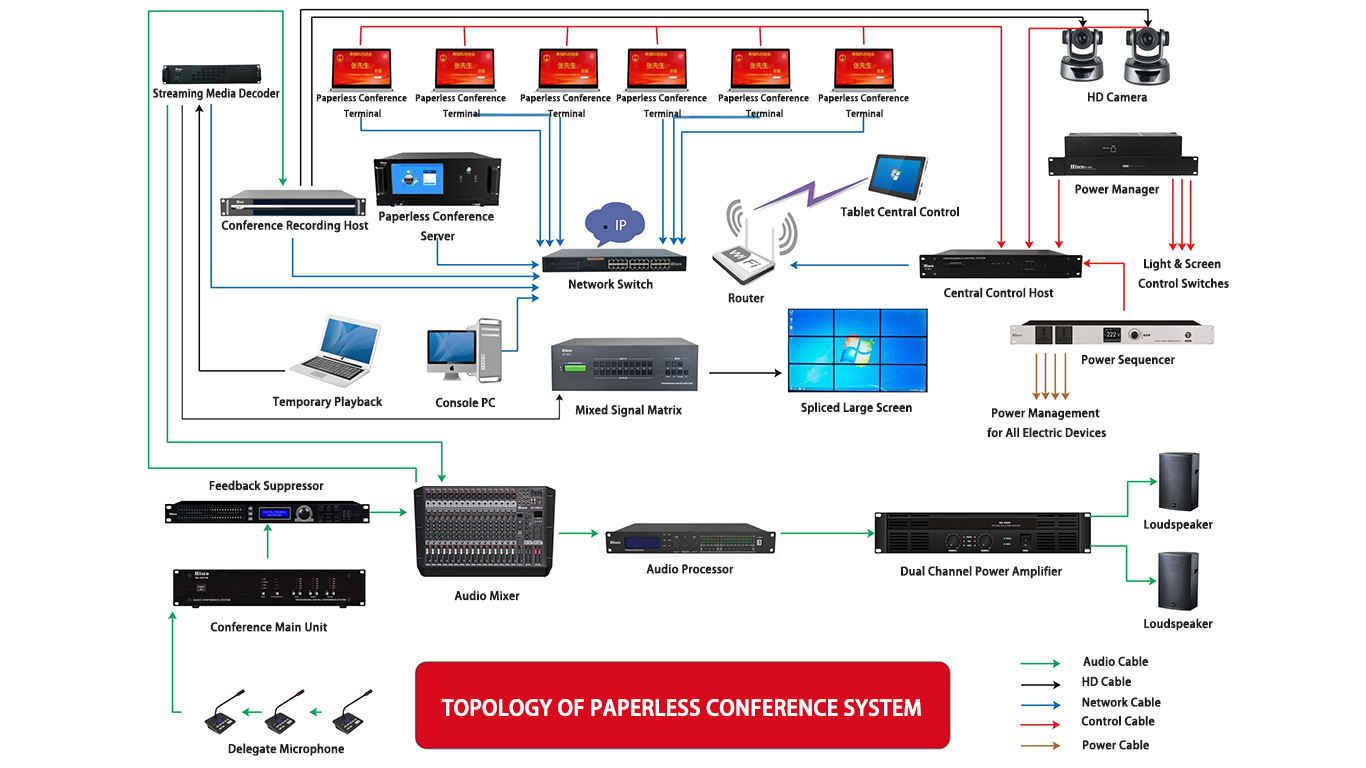
III. System Topology Diagram
IV. System Functions
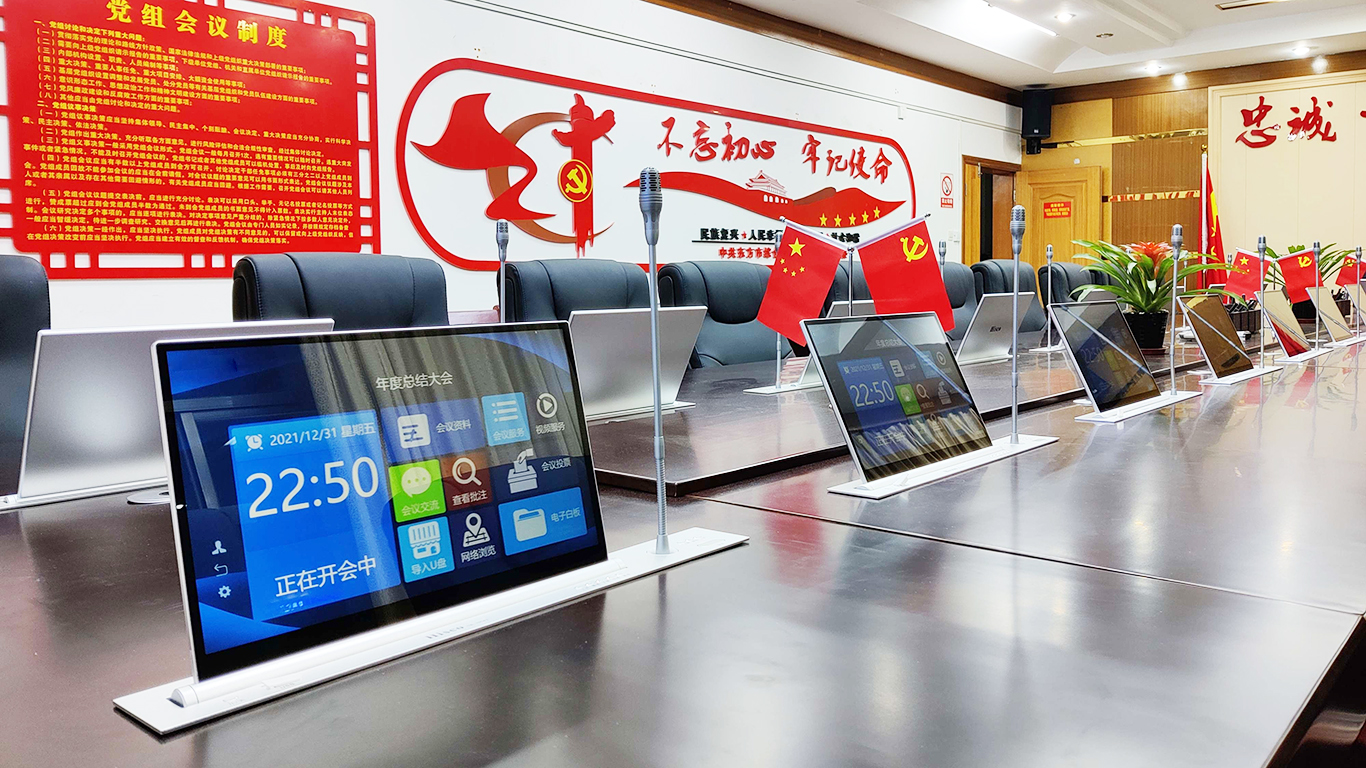
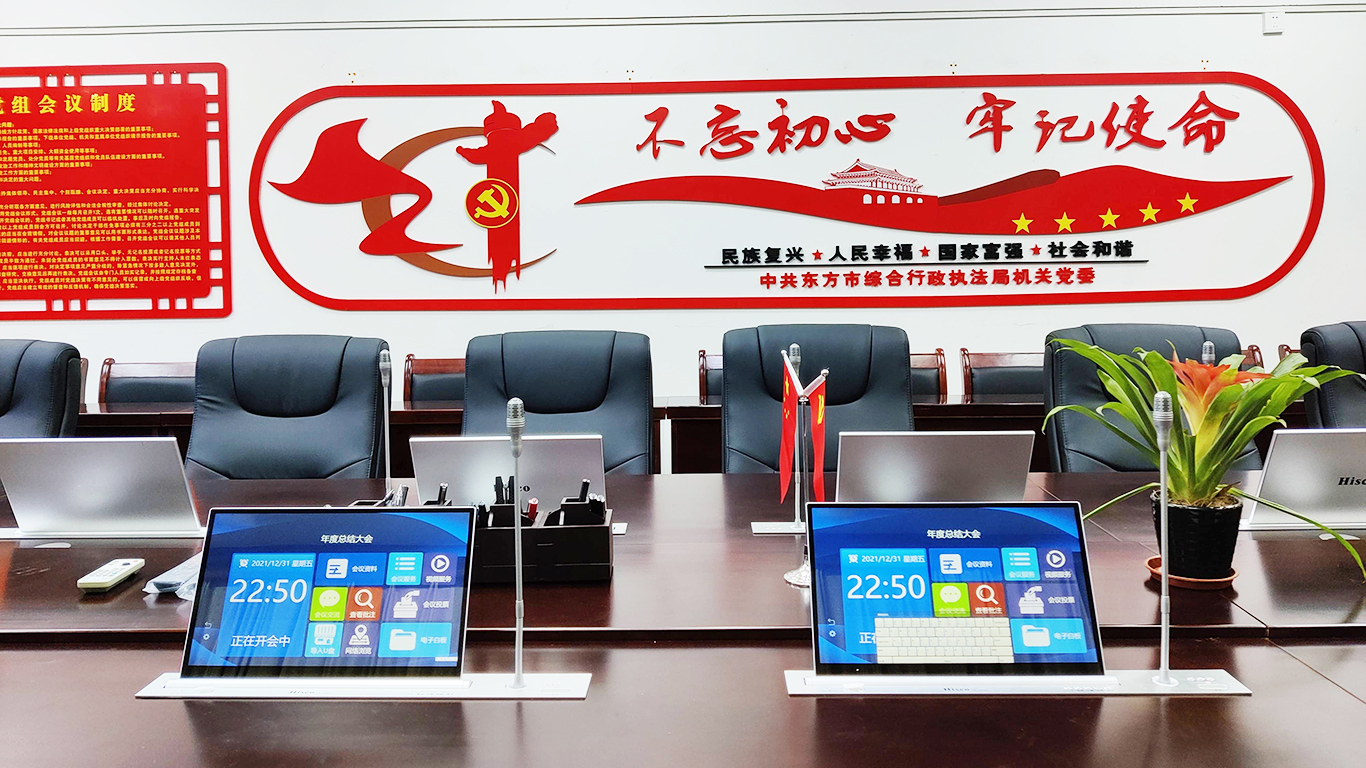
Main Interface Functions of Paperless Conference System
1. Electronic Nameplate
The electronic nameplate function displays participant information and seat arrangements in real time, providing intuitive seat guidance for attendees to take their designated positions accurately and efficiently.
2. Conference Check-in
The system supports handwritten signature check-in for all participants. It automatically records, statistically analyzes and archives real-time attendance data, and allows administrators to export electronic signature records and attendance reports for file retention.
3. Document Distribution
The system classifies and displays conference documents for attendees to browse and discuss during meetings. It supports full-process document management including uploading, online distribution and real-time revision, and can automatically generate standardized countersignature documents. Participants can import personal speech materials locally through USB flash drives without prior submission, and can freely open and share the files during on-site speeches.
4. Participant and Attendance Statistics
The system displays the full list of current meeting participants on the right sidebar. A red microphone icon in front of the name indicates the current host or speaker. The host speaking authority can be switched instantly by clicking any participant’s name on the interface. With preset camera linkage settings, the network camera will automatically rotate and focus on the new speaker after role switching.
5. External Display Projection
With one-click external display activation, the system synchronizes and pushes real-time conference content to projectors and other external display terminals. It supports multi-screen simultaneous output, realizing synchronous large-screen presentation and interactive paperless conference display effects.